
About the tool
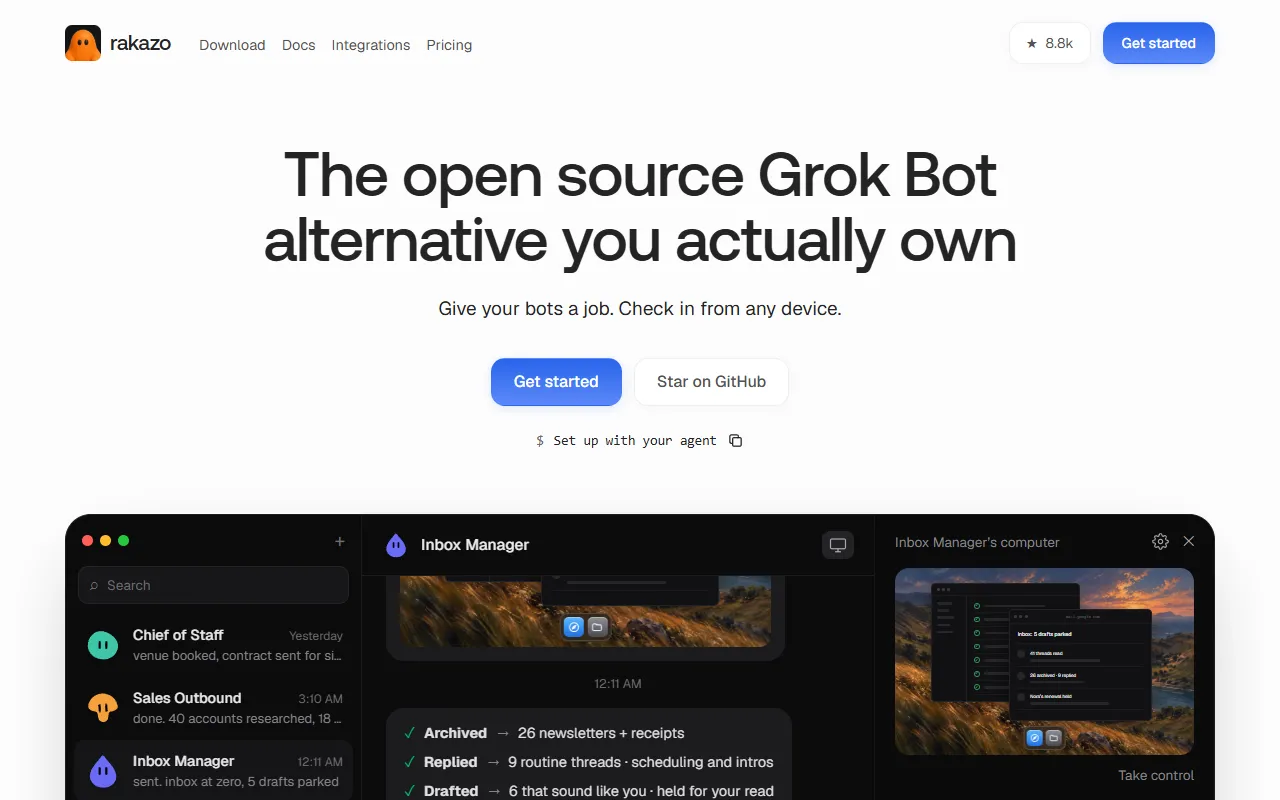
Rakazo is an open source app from Inbox Zero Inc., released under the Apache-2.0 license, for running AI bots that each have a job. A bot gets its own computer with a browser and a shell, keeps memory about its work, and can run routines on a schedule, from a webhook, on a GitHub event or when a watched page changes. Templates cover roles such as Inbox Manager, Sales Outbound, Talent Scout, Expense Manager, Account Manager, Paid Media, Coding Agent and Chief of Staff, and bots can hand work to each other or work together in groups. You can show a bot a task once and it saves the steps as a skill. Each bot can use a different model: Claude, ChatGPT, Grok, OpenRouter, or a local model through Ollama or LM Studio. Bots connect to Gmail, GitHub, Notion and more than 1,400 other apps, plus any MCP server, and you decide which actions need your approval before they run. You can talk to bots on the web, in the desktop app for macOS, Windows and Linux, in the iPhone and Android apps, or by mentioning them in Slack and Microsoft Teams; WhatsApp, Telegram and iMessage work on self-hosted setups. A bot can also call you in the app when it needs a decision. Version 0.11.0 (November 12, 2026) lets Apple silicon Macs run bot computers without Docker and added Teams direct messages. Self-hosting is free: you run Rakazo on your own server or computer and pay your model provider directly. The hosted Rakazo Cloud is in beta. The Standard plan costs $15 a month, or $12 a month billed yearly, with your own Claude or ChatGPT sign-in or API key and 25 hours a month of bot computer time. Pro costs $49 a month with 100 hours and Max $99 a month with 200 hours on larger machines. A credits plan starting at $20 a month covers models from Rakazo's catalog at the provider's price with no markup. Hosted plans start with a 7-day free trial that includes 10 bot computer hours.
Automation integrations
Native connectors with Zapier, Make and Albato, checked by AITL.

No direct integrations listed
No public direct integrations currently listed with Zapier, Make, or Albato.
Where this tool is active and shares its updates.
No official social channels listed for this tool yet. Use the website link above for the latest news.
Who it’s best for
Key use cases
Task Automation
Trigger actions from events automatically, with less manual coordination in project work and service delivery.
Workflow Automation
Link your apps and automate repeated actions, so repetitive tasks stop taking up your time.
Cross-App Automation
Move data between the apps you already use, so you stop copying information from one system to another.