

About the tool
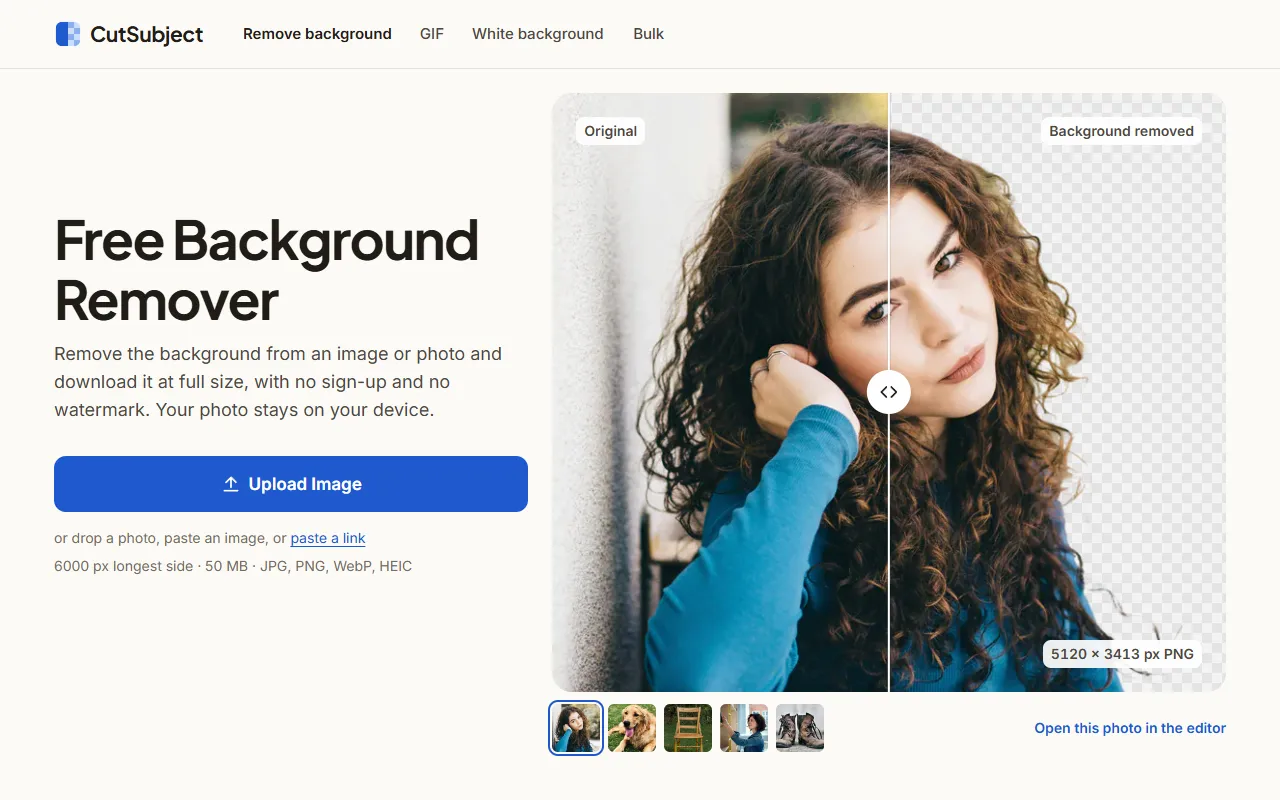
CutSubject removes the background from photos, logos and animated GIFs. You upload a JPG, PNG, WebP or HEIC file, paste an image or a link, and the AI finds the subject on its own. The work happens in your browser on a computer, phone or tablet, so the photo stays on your device. The only exception is a pasted link: when that website blocks direct access, the CutSubject server fetches the public image and passes it to your browser without keeping it. After the first photo has run, the tool keeps working with no connection. Downloads keep the original size up to 6000 px on the longest side, with files up to 50 MB. You can save a transparent PNG or WebP, or a JPG with a white, black, colored, blurred or custom photo background, add a soft shadow and crop to formats such as 1:1, 4:5 or 9:16. An editor fixes mistakes by hand: Erase and Restore brushes and Clear specks work on every device, Magic selection and Remove item work on computers and tablets, and Refine edges brings back strands of hair and fur on computers. Separate tools remove the background from animated GIFs frame by frame (exporting GIF, APNG, animated WebP or PNG frames), clear a white or flat color from logos and handwriting, and process whole folders on a computer, with one-click presets for Amazon, Shopify, Etsy, eBay and Walmart. Everything is free, including the full-size download. There is no account, no watermark and no daily or batch limit; in the company's own test, one batch of 2,000 photos finished on a computer. Results belong to you and can be used commercially if you have the right to the original photo. CutSubject says it does not use your images to train models. It is run by Pattern Hub LLC.
Key use cases
Graphic Design
An AI image creator for logos, illustrations and marketing visuals. Generate, edit and refine from simple prompts.
Ecommerce Automation
Manage orders, keep customers informed and cut the manual work of running an online store.