

Who It’s Best For
About the tool
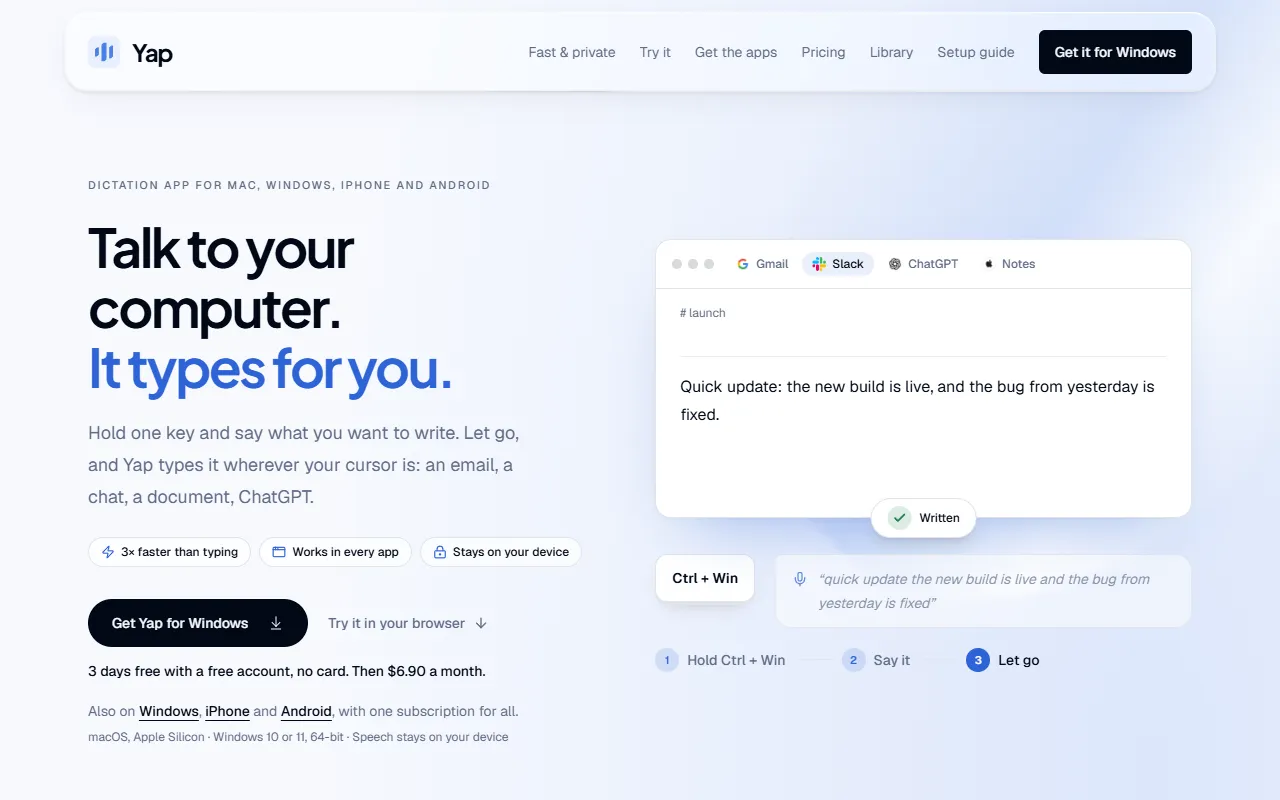
Yap is a system-wide dictation app: hold a key, speak, and your words are typed at the cursor in any application, from Gmail, Slack, and Notion to Microsoft Word and ChatGPT. Speech is recognized on the device itself, so audio is never uploaded or used for training, and the app keeps working offline. It supports 25 languages and runs on Mac with Apple Silicon, Windows 10 and 11, iPhone, and Android, with a measured median latency of about half a second on a recent Mac. The product targets the trade-off between speed and privacy in voice typing. Popular dictation tools send audio to the cloud, which is a problem for lawyers, therapists, and anyone handling sensitive text. Yap keeps everything local while remaining fast enough for everyday writing and for voice coding, dictating prompts directly into Claude Code, Codex, Gemini CLI, Cursor, VS Code, or any terminal, even over SSH. An open-source MCP server also lets Claude, Cursor, and other MCP clients transcribe local audio files without uploading them. Yap is built for professionals who write all day, developers working with AI coding agents, writers, and people with RSI, dyslexia, or ADHD who benefit from typing less. New users get 3 free days with just an email, followed by a 10-day card trial, and then a single $6.90 monthly or $69 yearly subscription that covers every device.
Key Use Cases
Content Writing
AI content generation for blogs, websites and more. Draft new pieces, edit them and improve your writing.
Meeting Notes
Stay focused during calls while AI notes capture the essential details for you.
API & Developers Readiness
Yap offers an open-source MCP server (cc.yapapp/yap, github.com/founden-bot/yap-mcp) that can be run with npx to transcribe local audio from Claude, Cursor, or any MCP client without uploading it. A public REST API is not documented.
Automation integrations
Native connectors with Zapier, Make and Albato, checked by AITL.

No direct integrations listed
No public direct integrations currently listed with Zapier, Make, or Albato.
Where this tool is active and shares its updates.
No official social channels listed for this tool yet. Use the website link above for the latest news.